
DAW conversion tool
Pro Tools to REAPER
Your Pro Tools mix opens in REAPER sounding like it should.
Convert one session for free and get a preflight report for your whole library.
Version 1.0.2 Release notes Previous versions
The Windows installer is new, so two warnings may appear the first time. Chrome may say “Suspicious download blocked”: choose to keep the file. Windows may say “Windows protected your PC”: click More info, check that the publisher reads Mollusk Audio LLC, then click Run anyway.
Every update to the Pro Tools to REAPER conversion is included: fixes, new plug-in coverage, newer Pro Tools formats.
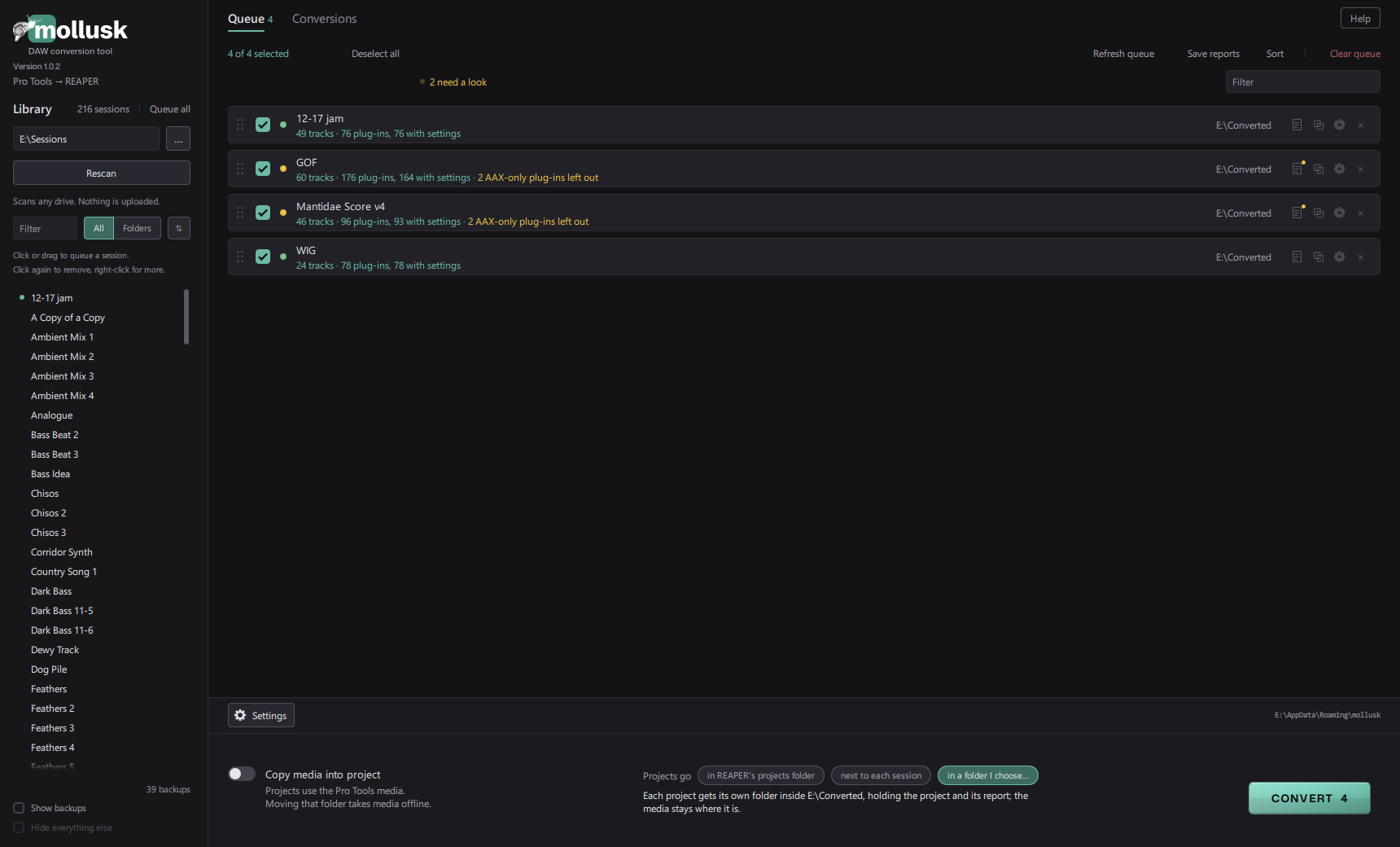
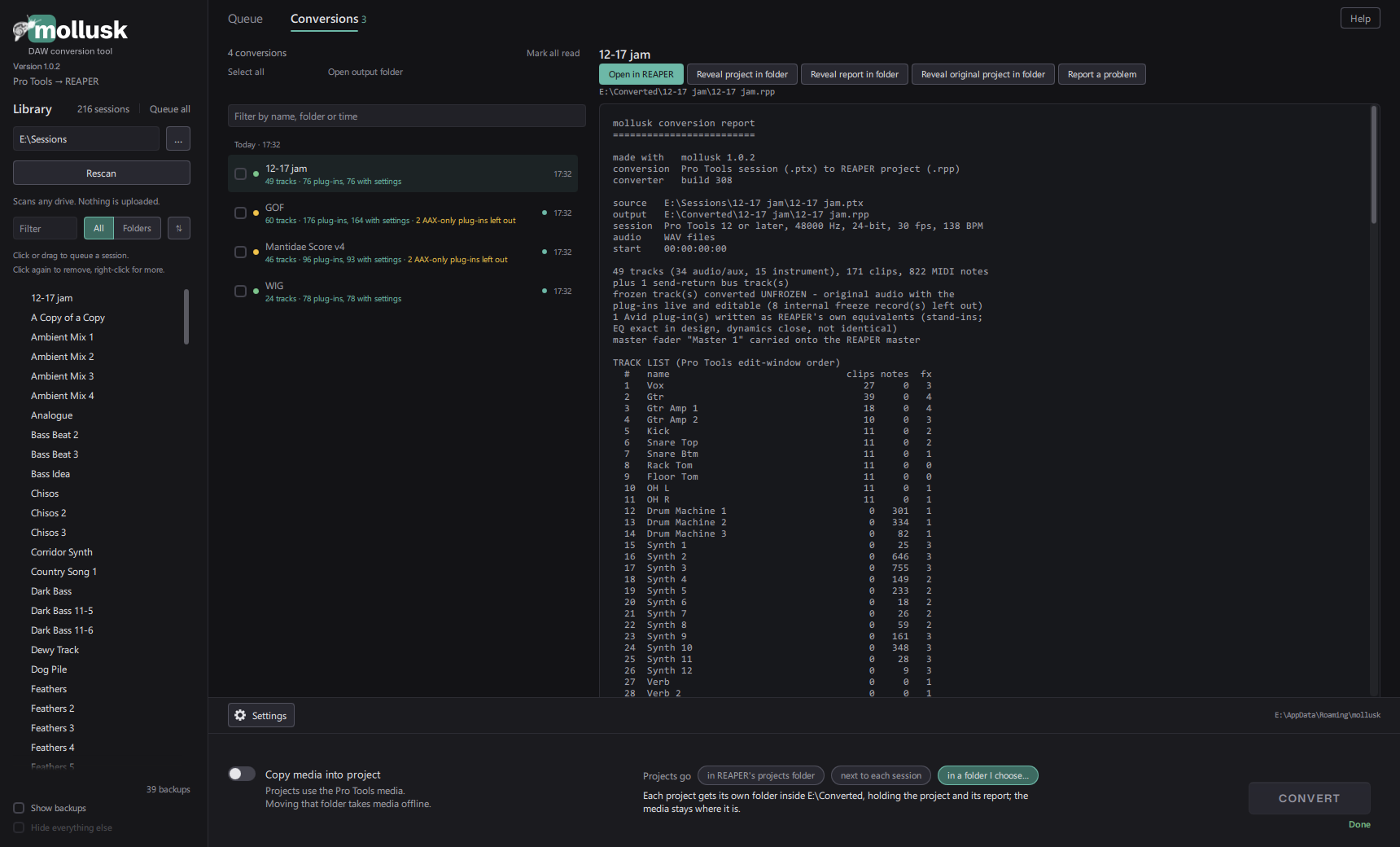
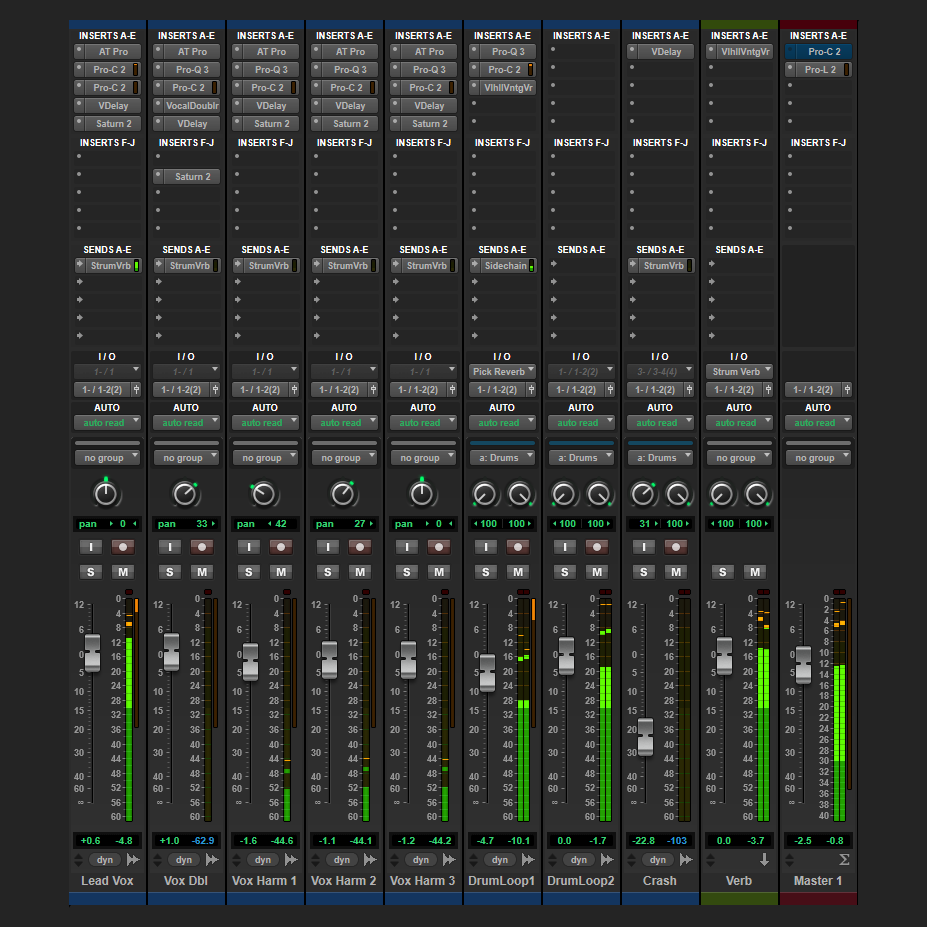
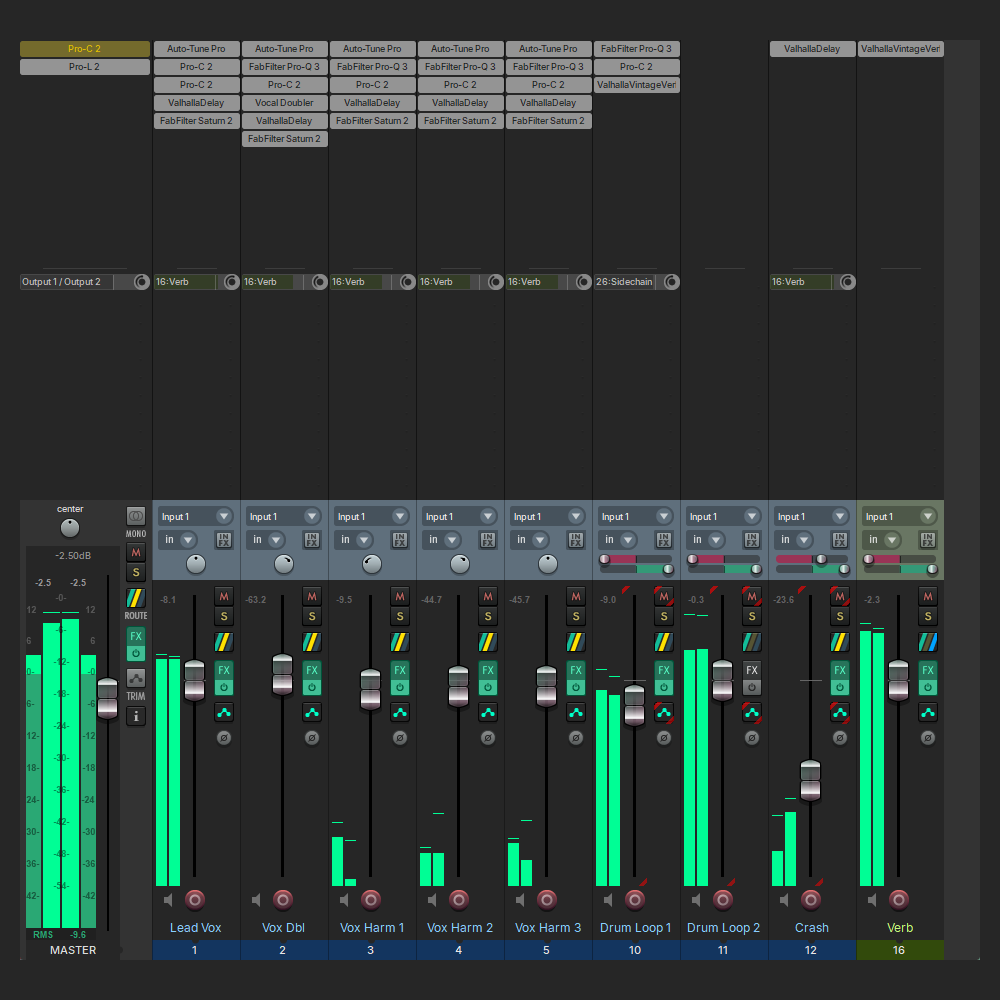
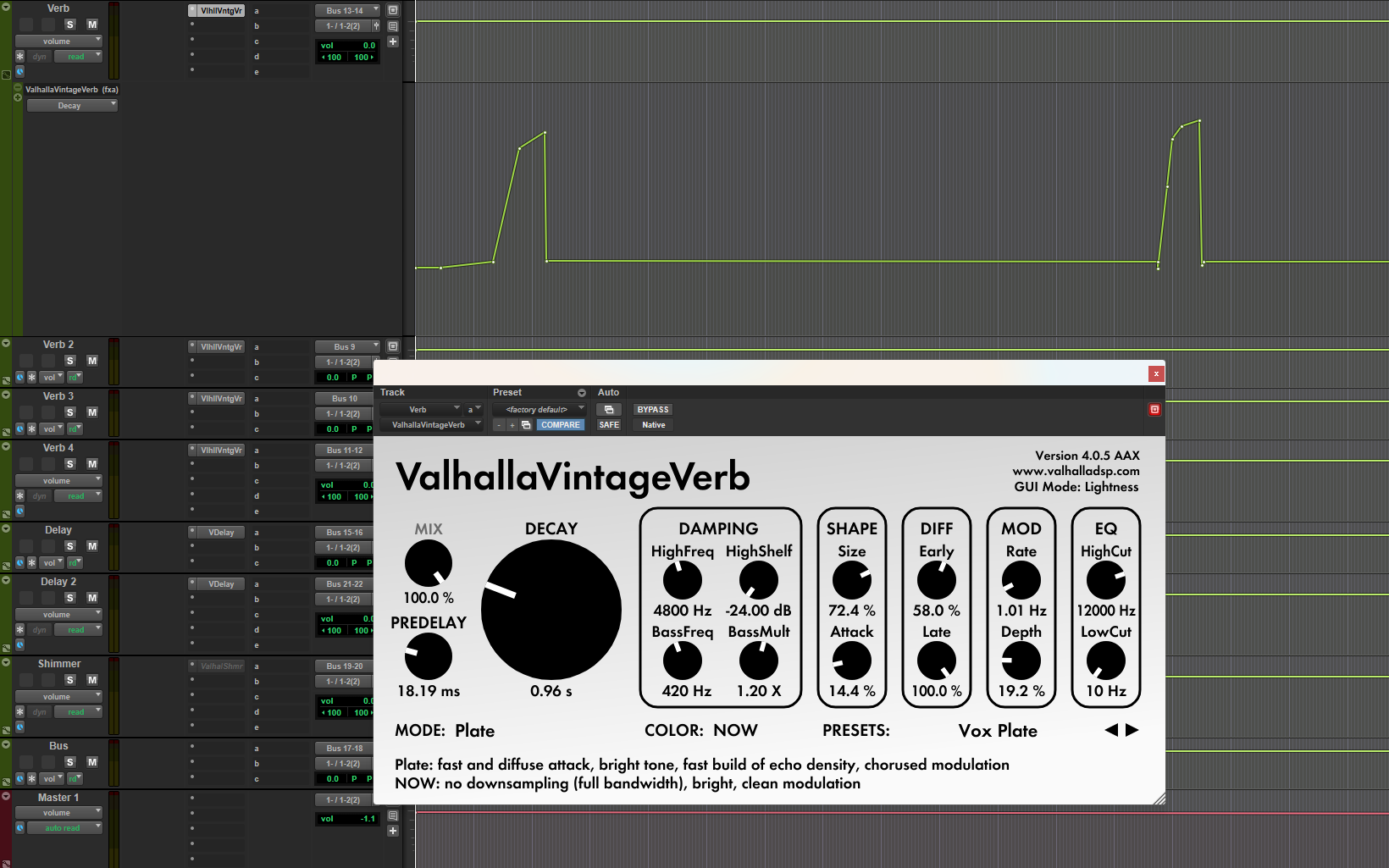
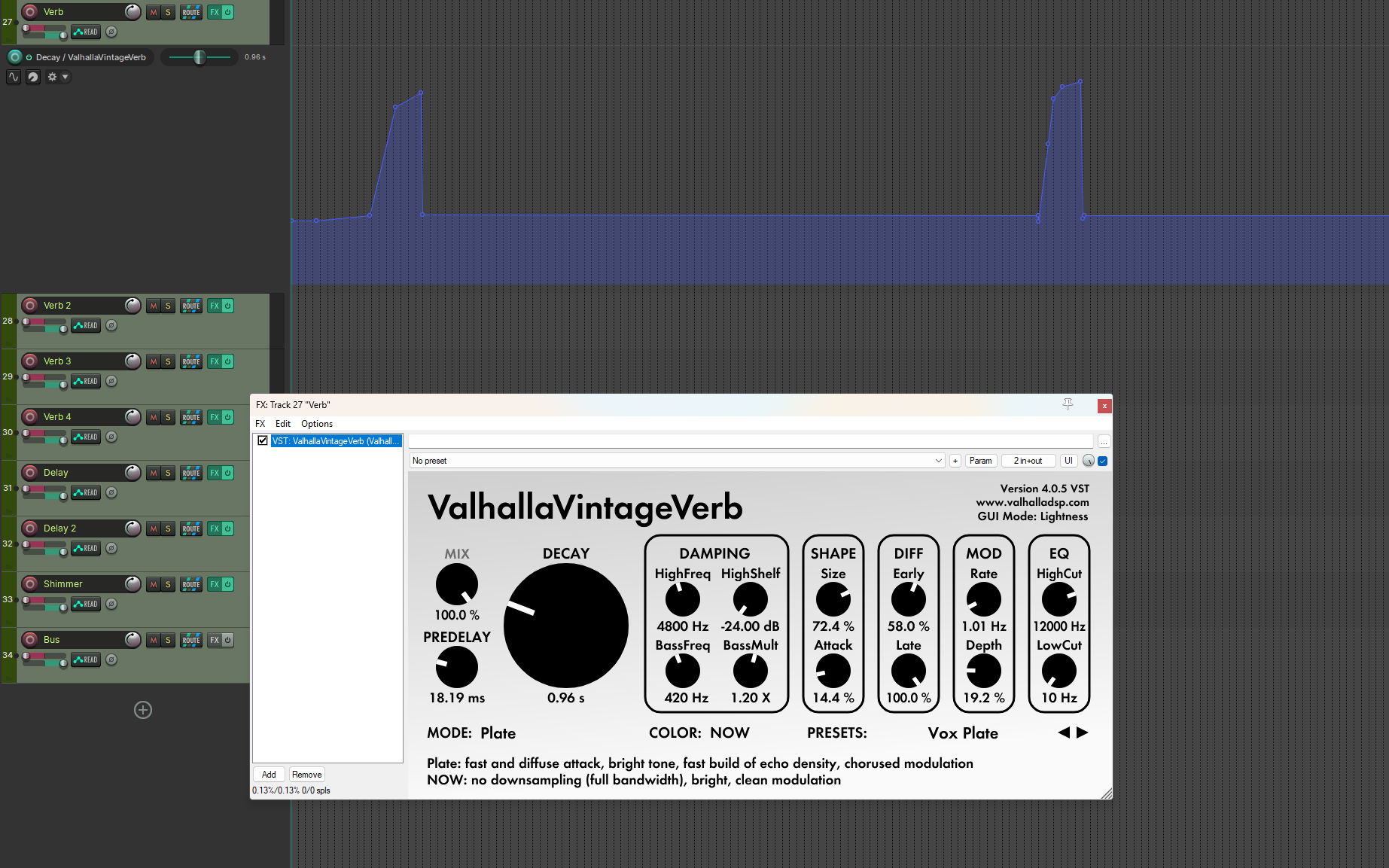
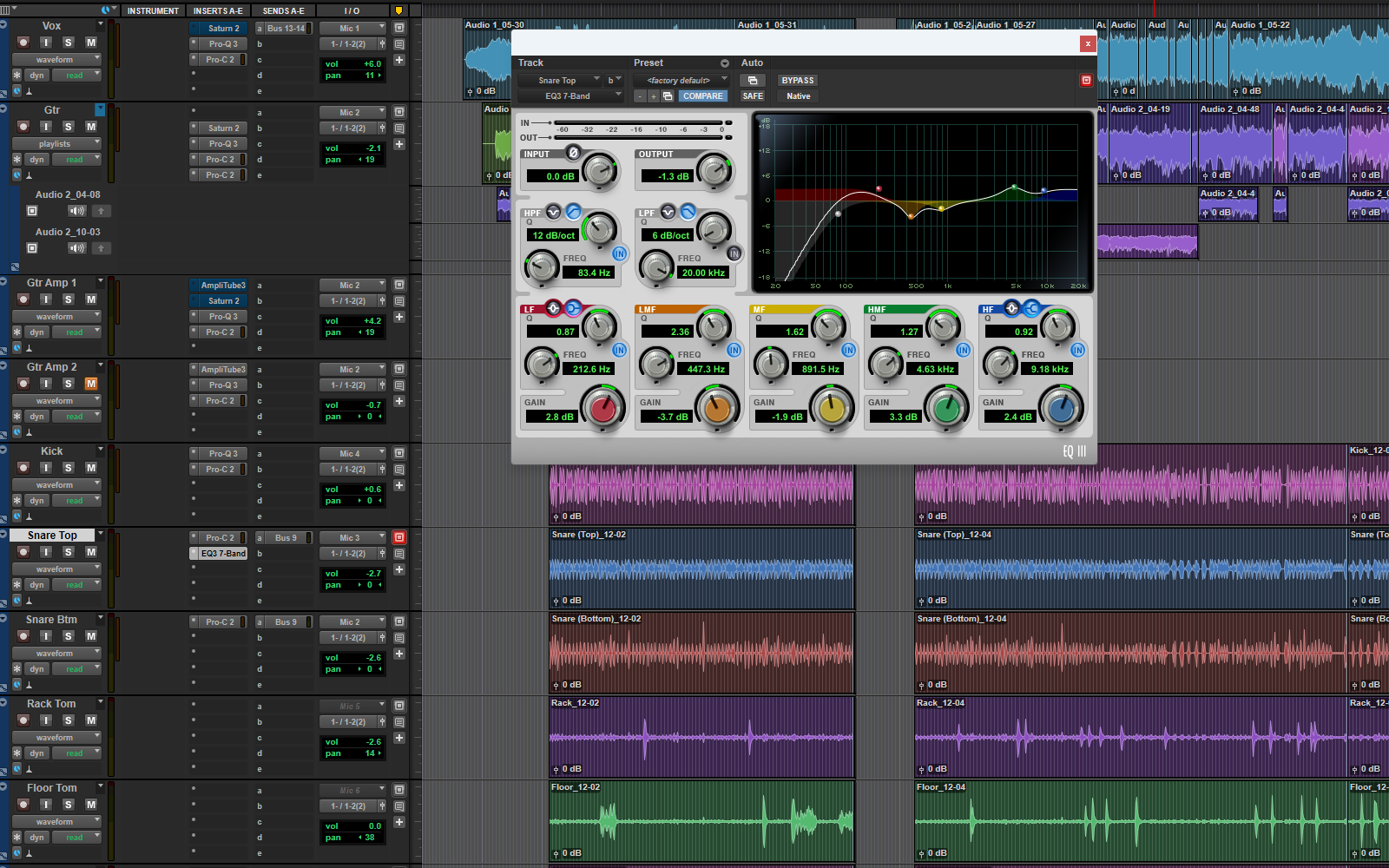
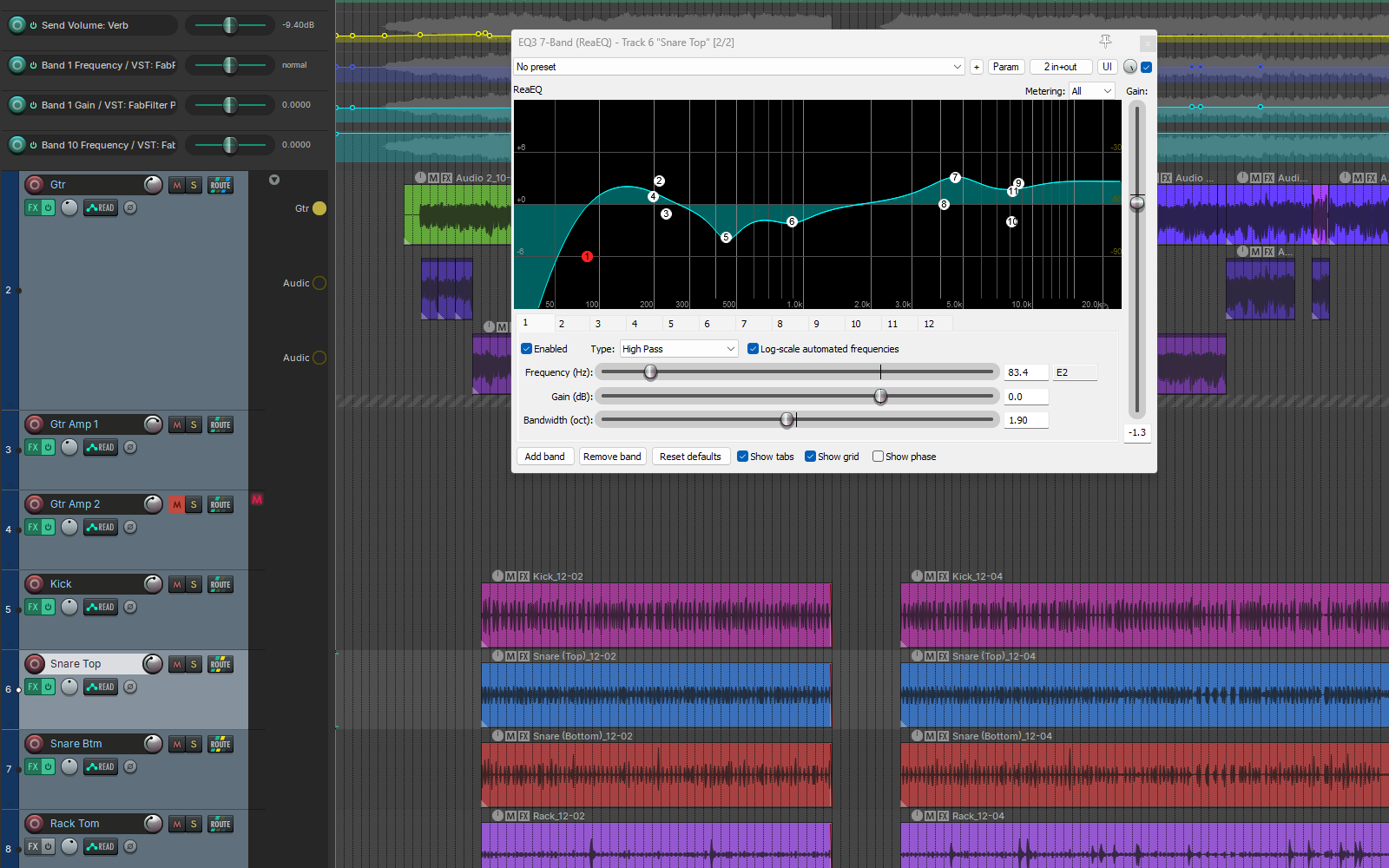
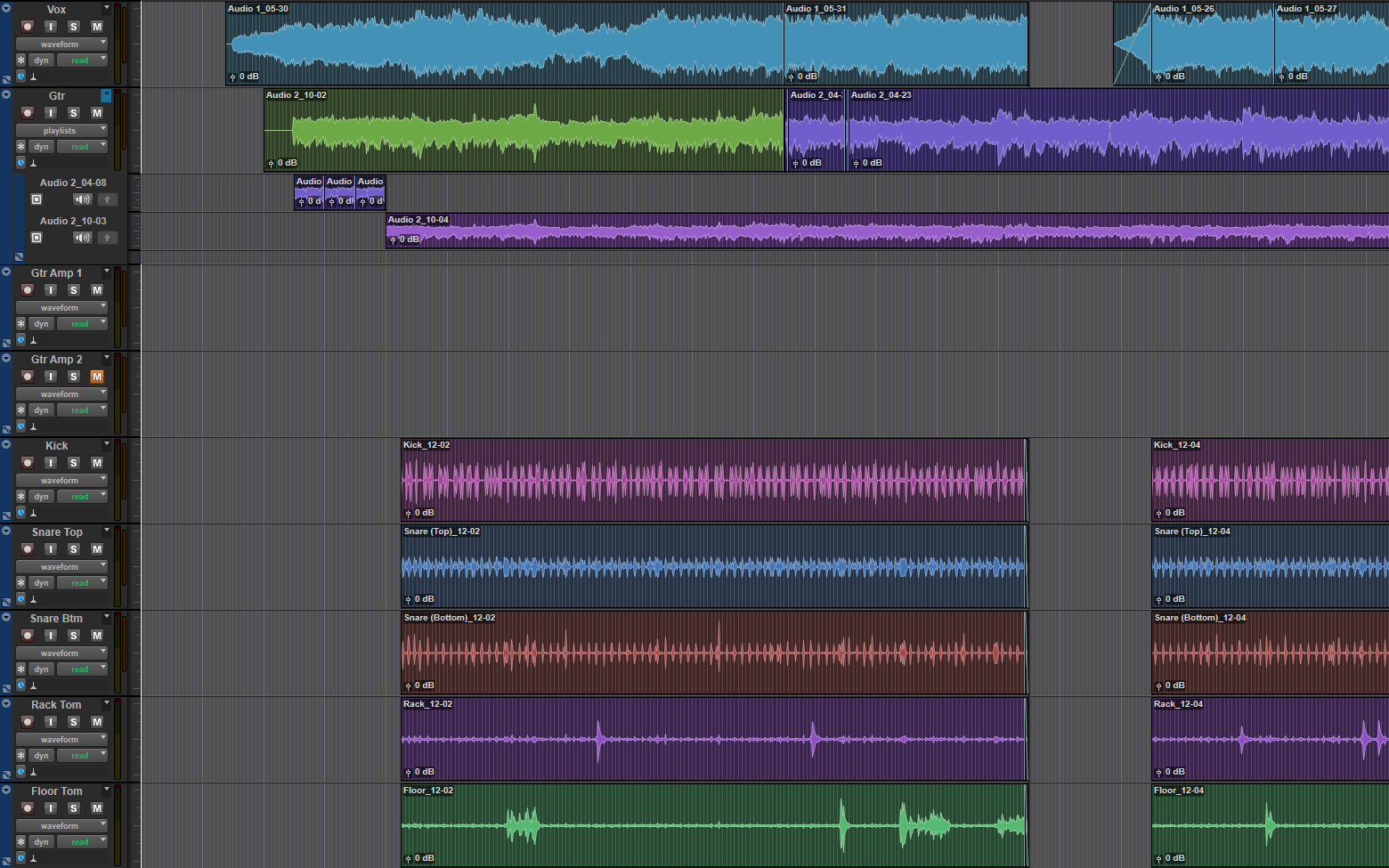
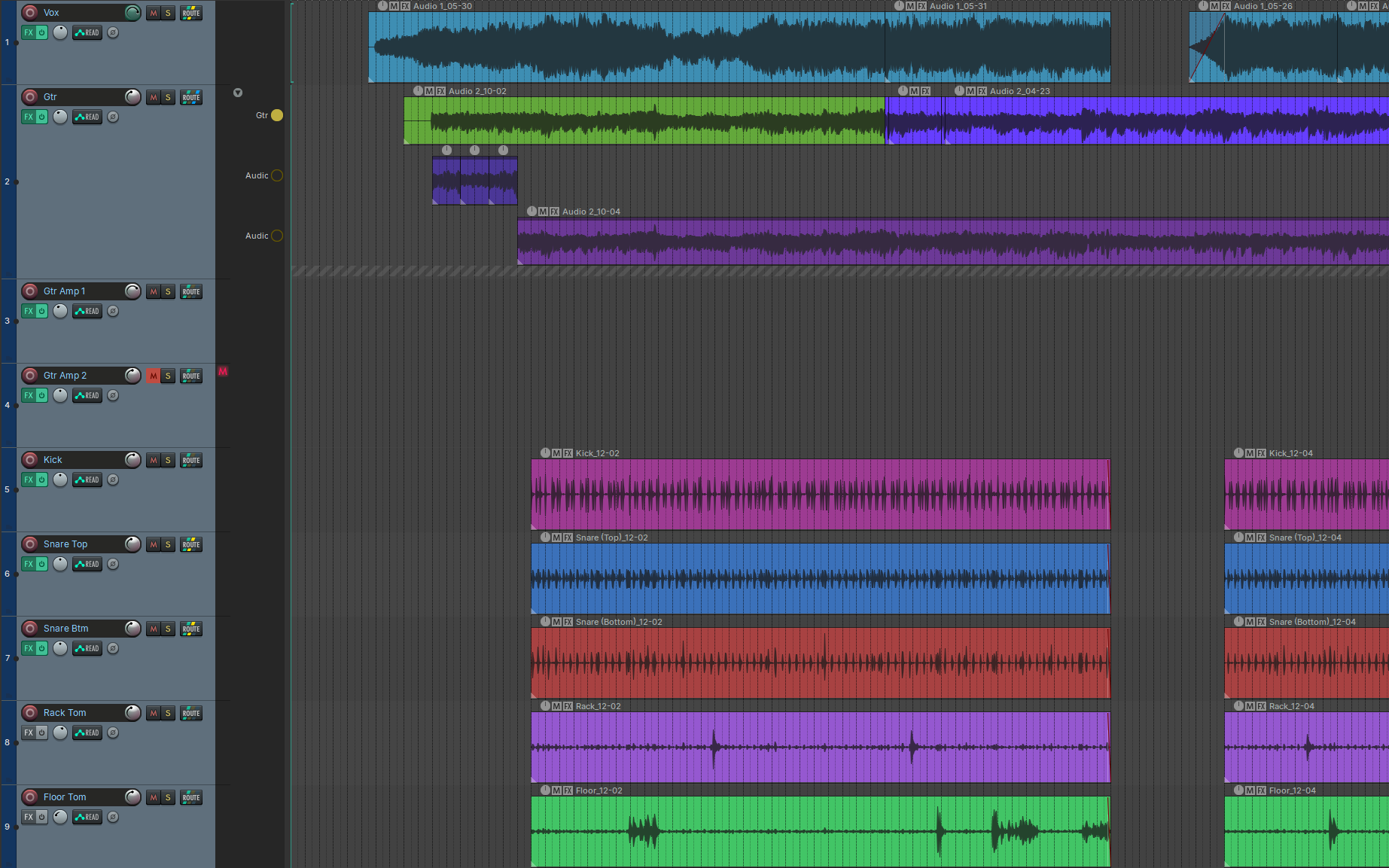
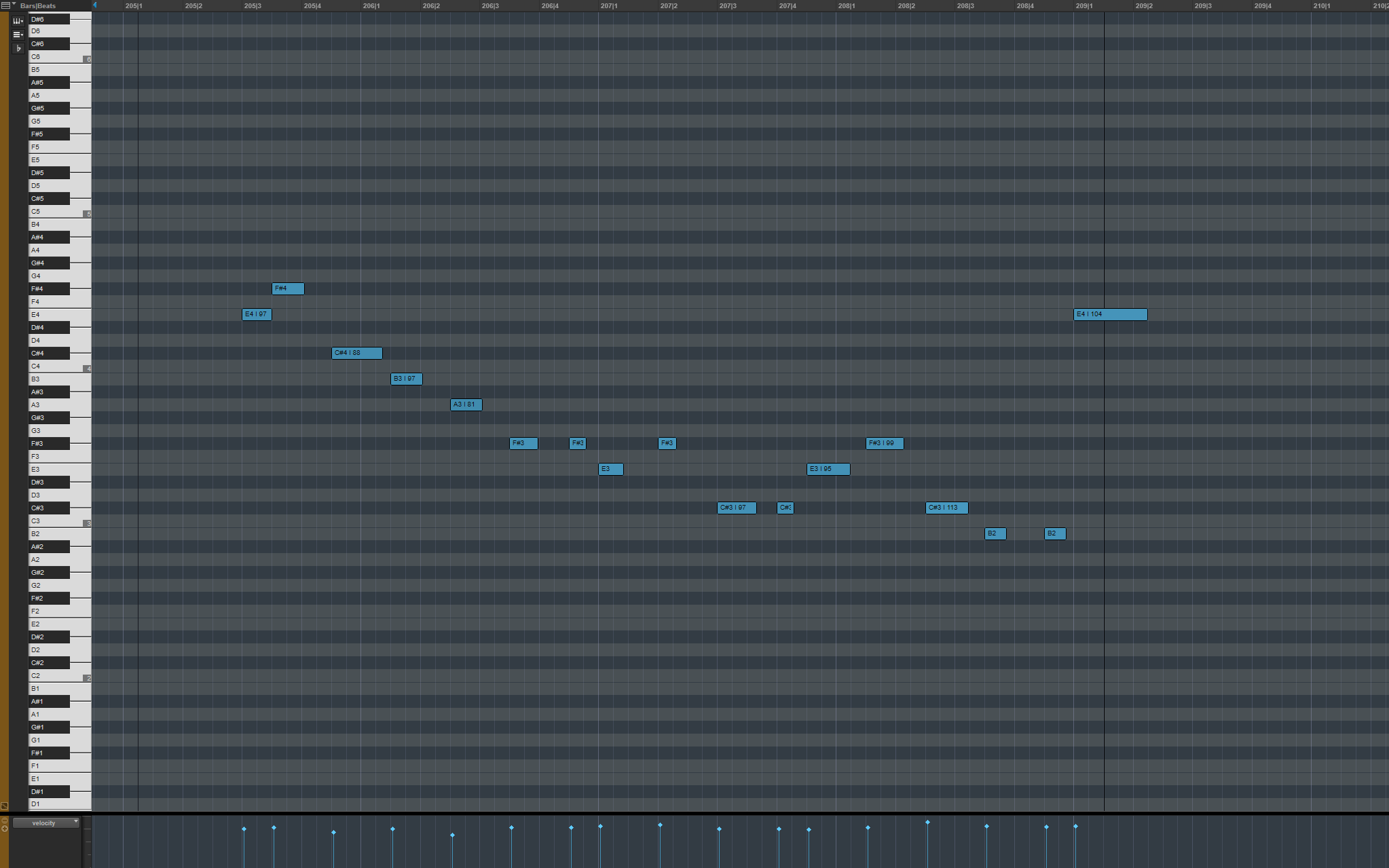
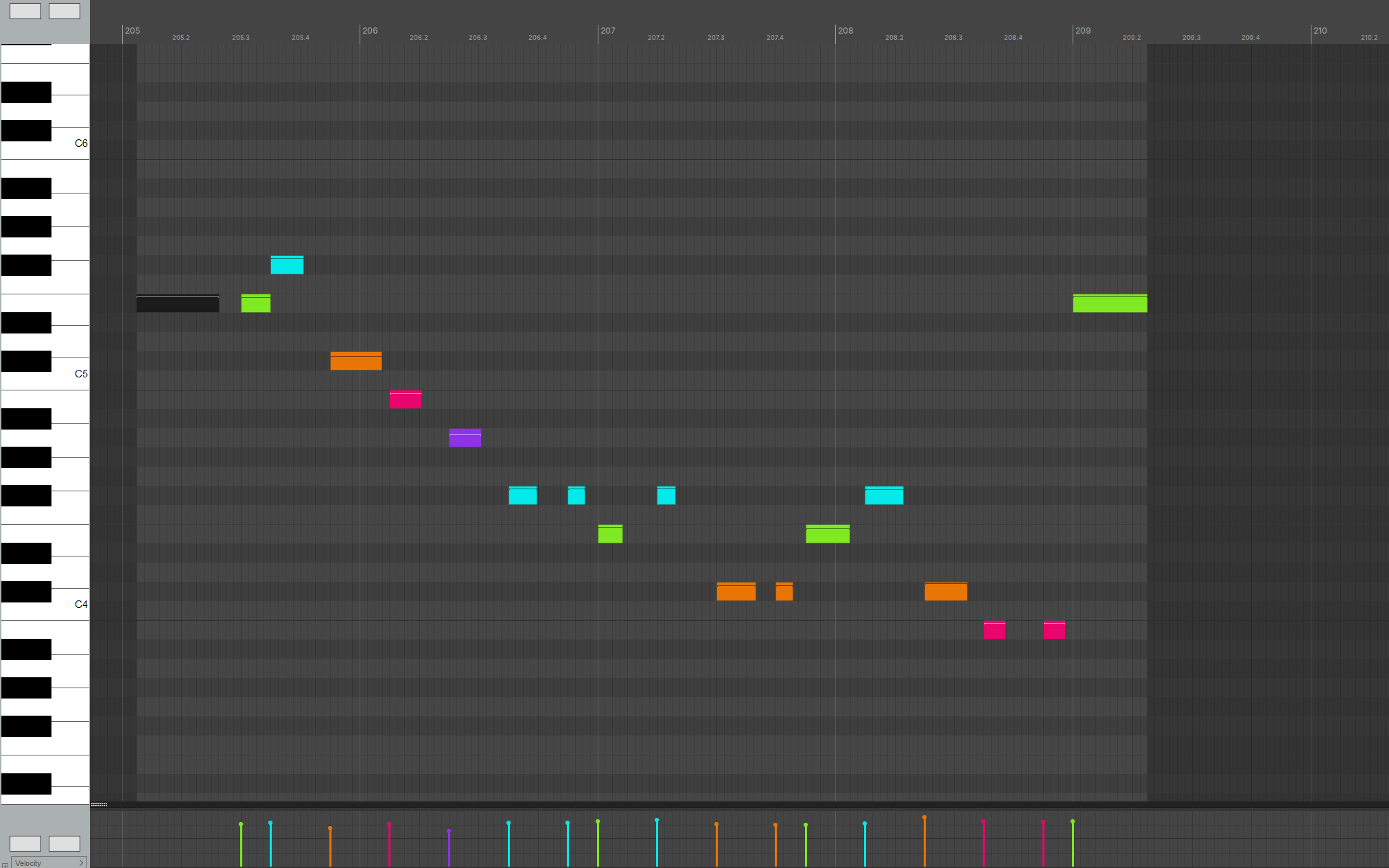
- Plug-in settings intact
- Supported plug-ins keep their exact settings, from EQ curves to synth patches. The report lists any that cannot be transferred.
- Pro Tools not required
- mollusk reads
.ptxfiles directly. No Pro Tools installation, subscription or plug-in license is needed to convert. - Built for real-world sessions
- Playlist comps, Elastic Audio edits and clip gain stay intact and editable.
- Try it free
- One session converts free and in full. Preflight reports are free for every session and show what would transfer.
Tested end to end on Pro Tools 12 and Pro Tools 2026. Sessions from Pro Tools 10 onward use the same file format and should convert.
What transfers
Tracks
- Track order and names
- Fader level, mute, solo and pan
- Stereo panning on both channels
- Master fader
- Pan law
- Solo safe
- Hidden tracks, and inactive tracks kept silent
- Track colors and heights
- Track comments, kept as notes
- Frozen tracks, unfrozen with their plug-ins
- Committed tracks, without doubled playback
- Folder tracks, nested where the routing allows
- Mix groups for volume, mute, solo and automation mode
- VCA masters
- Surround and multichannel tracks, as one track of the same width
Buses and sends
- Sends and send levels
- Send pan on mono sends
- Pre-fader sends
- Sends switched off
- Bus routing into aux tracks
- Stereo buses
- Sidechain inputs
- Multi-output instruments
Plug-ins
- Insert chains, in order
- Plug-in parameters, from EQ curves to knob positions, where the settings can be read
- Bypassed and inactive plug-ins
- Instruments, with their patch where the settings can be read
- Settings kept for plug-ins not yet installed
- Plug-ins that cannot transfer, listed in the report
Automation
- Volume, pan and mute automation on audio, aux and instrument tracks
- Send level and mute automation
- Master fader volume and mute automation
- Plug-in automation on verified controls
- Automation modes
MIDI
- Notes with pitch, velocity and length
- Clip edges and overlaps, played as in the source
- Pitch bend, channel aftertouch, controllers and SysEx
- The track’s patch, as a program change
- MIDI timing through tempo changes
Clips
- Sample-accurate clip positions and lengths
- Clip names, mutes and locks
- Clip gain
- Fades and crossfades
- Overlapping clips, layered as in the source
- Warp markers and clip pitch
- Looped clips, as their passes
- Clip group contents, placed as they play
- Alternate takes and comps
Tempo and markers
- The full tempo map
- Time signatures and meter changes
- Markers and regions, with names and colors
- Timecode rate and session start
Video
- Video tracks and clips
- Clip trims and splits
- Video placed at the picture’s own frame rate
Files
- Sample rate
- WAV and AIFF audio
- Track, clip, marker and folder names in any language
- Missing audio, listed in the report
- Optional copy of media into the project
Each item is verified against real sessions. Anything mollusk finds but cannot transfer is listed in the report.
Pro Tools to REAPER
What this conversion also handles, particular to these two programs.
- No Pro Tools or iLok required
- Sessions with plug-ins Pro Tools can no longer load
- Elastic Audio warp markers
- Melodyne edits and note analysis, clip by clip (Melodyne required in REAPER)
- Avid EQ3, Dyn3 and Channel Strip, as REAPER’s own EQ and dynamics
- AIR instruments, with their patch
- Split .L/.R recordings combined into one stereo track
- Aux inputs as tracks
- Master Fader on REAPER’s master track
- Pan depth as pan law
- Voice-off tracks, muted
- Routing and Basic folder tracks
- Surround panner position, divergence, center and LFE
- Avid Trim’s gain and polarity
- Tracks with no output, heard through their sends
- Two sidechain keys on one track, each to its own plug-in
- Sidechain-only buses kept off the master
- Other Avid stock plug-ins, recognized and named
- VST3 by default, VST2 or CLAP on request
- Clip Effects polarity
- Sync points
- Edit lock and Time lock on clips
- Playlists as lanes, and comps across playlists
- MIDI Real-Time Properties: transpose, velocity and delay
- Patch Select, as program changes
- Selection memory locations, as regions
- Default track colors, in all five coding schemes
- Tempo ramps as REAPER ramps, on request
- Sample-based and tick-based tracks
- Edit grid setting
- Audio in Rendered Files and Bounced Files
- Damaged or empty session files, reported
mollusk converts sessions from one DAW to another with their mixes matching as closely as possible. Conversions are written in the destination DAW’s own format, not through AAF, OMF or similar. Pro Tools to REAPER is the first pair. Each pair is built and tested separately, against real sessions in both programs.
More pairs are planned. If there is a conversion you need, tell us which DAWs.